
AI settings on your computer
AI context — under your control
AI context is the instructions, connections and project rules an AI receives for its work. onplate collects them from Claude Code, Codex CLI, Cursor, GLM and OpenCode, shows what is outdated or risky and, when local history is available, what you do not use.
For agentic development: the Projects section shows what context an AI gets in each code folder.
Dashboard
Storage and sync status
AI system map
What is installed in each AI, how much context it uses, and what needs attention
| AI tool | Context | Skills | MCP | Agents | Status |
|---|---|---|---|---|---|
| ≈470permanent weight | 8 | 3 | 1 | threats: 1conflicts: 2 | |
| ≈350permanent weight | 5 | 2 | 0 | outdated: 1 | |
| ≈140permanent weight | 2 | 1 | 0 | all clear | |
| ≈160permanent weight | 3 | 1 | 0 | external: 1 | |
| ≈80permanent weight | 1 | 0 | 0 | all clear |
The map uses saved state. A check reads local folders and configs but does not install or delete anything.
Needs attention
An example onplate report
See what needs attention in a minute
Another ≈24k tokens are stored in 18 skills but do not take up space all the time. The AI adds a skill’s text only when it needs that skill.
skills unused for 30 days
finding needs review
install can be updated
This is an example. After a scan, onplate shows your own data. Token counts are approximate estimates based on text size.
system workflow / 01—03
From scan to order in three steps
The first payoff comes without moving your existing setup by hand.
- discover
Scan the system
onplate checks your local AI configs and finds the skills, subagents and MCP servers already installed. Nothing has to be moved by hand.
- understand
See the whole picture
The dashboard shows how much space the settings take up in every chat, what you used over 30 days and what is outdated or needs review.
- control
Fix it safely
Remove the excess, update installs, accept outside changes or roll back to a previous version. Before a change, onplate shows the plan and saves the previous version for rollback.
control surface / live
Five questions onplate answers
After a scan, you can see what takes up space, what you use and what needs action.
What takes up space in every chat
Shows how many descriptions and standing instructions the AI receives before your first message. Text added only when used is counted separately.
Whether a new skill will trigger
Runs an ordinary task in a temporary copy and reads the session log to show whether the AI reached for the skill. The run uses your configured AI tool and may consume its quota; your working setup stays unchanged.
What you actually use
When an AI keeps supported local history, the last 30 days show which skills triggered. Without it, onplate says there is not enough data yet.
What is risky or outdated
Checks for dangerous commands, attempts to read secrets and suspicious links. It also shows conflicts, outside edits and available updates.
What AI can access in a project
Shows project-specific instructions and extensions separately from shared settings. You can save the set next to the code and repeat it on another machine.
projects / how it works
Projects: AI settings for a code folder
Add a folder and onplate shows which settings apply only here, which are shared across projects and, when local history is found, what the AI actually uses.
A project in onplate is an ordinary code folder. Adding it only reads the files; nothing changes without your confirmation.
- 01Overview tab
Understand how the project is built
See the stack, start commands, project parts and problems. Every fact links to the source file and line.
only facts confirmed by project files
- 02Resources tab
Separate project and shared settings
See what applies only to this folder and what the AI can use in every project.
see the contents and destination before installing
- 03Instructions tab
Check the instructions for AI
onplate finds instruction files and their references. A link to a missing file or extension is marked as a problem.
every instruction and relation keeps its source
- 04Sessions tab
Separate available from used
When onplate finds supported local history, the tab lists the sessions that ran in this folder and the extensions they actually invoked. Without it, you see that there is not enough data.
the data source and period are shown alongside the result
No unexpected actions
- Discovered commands never run automatically.
- Files do not change without a plan and your confirmation.
- Project analysis does not send files or local logs to an onplate cloud.
Save the finished set next to the code so the team can review it in a pull request and apply the same settings on another machine. Secrets stay local.
Read the Projects guideHonest compatibility
What each AI supports
Skills work in all five tools. For the other kinds onplate offers only the targets that really support them.
Swipe the table left to see the other AI tools →
| Capability | Claude Code | Codex CLI | Cursor | GLM | OpenCode |
|---|---|---|---|---|---|
| Skills | Supported | Supported | Supported | Supported | Supported |
| MCP servers | Supported | Supported | Supported | Supported | Not supported |
| Subagents | Supported | Supported | Supported | Supported | Supported |
| Commands | Supported | Supported | Supported | Supported | Supported |
| Hooks | Supported | Supported | Not supported | Supported | Not supported |
| Rules / instructions | Supported | Supported | Supported | Supported | Supported |
| Skill run | Supported | Supported | Supported | Not supported | Supported |
A check means onplate can work with that resource type in the selected AI. If only a global or project option works, onplate offers the supported one. Read the details in the documentation
Local-first, no small print
What stays local, and when the network is needed
onplate needs no account and no cloud backend. External sources do go over the network — below is an honest split of what happens on your machine.
Analysis — on your machine
Scanning configs, estimating context and parsing local logs all happen on your computer. onplate has no cloud of its own where session contents are uploaded.
Network — for external sources
The connection is used for Git, marketplaces, update checks, downloading files and viewing remote resources. During “Try for real”, the request and response go through the selected AI provider.
Secrets are not published
Tokens and secret fields are stored locally in encrypted form and never end up in exported packages or team profiles.
The security scanner works by deterministic rules: it helps you find the suspicious, but it does not replace a manual review and is not a guarantee of safety.
Install
Pick the build for your system. Detailed commands and troubleshooting live in a separate guide.
By downloading onplate you accept the terms of the license agreement.
macOS
Unpack the archive, move onplate.app to Applications and allow the first launch in Privacy & Security in System Settings.
Linux
Unpack the archive, install WebKitGTK 4.1 if the library is missing, make the onplate file executable and run it.
Windows
Run the installer, or take the portable archive if installers are blocked by policy. SmartScreen may warn about an unknown publisher: “More info” → “Run anyway”.
onplate is installed. What now
Three steps, about five minutes. Only the first one is required: after it onplate finds the supported settings in your AI tools, and you never have to move them by hand.
What you get after the scan
- All local AI settings in one window
- An estimate of what they take up all the time and when used
- A list of what is unused, risky or outdated, with safe actions
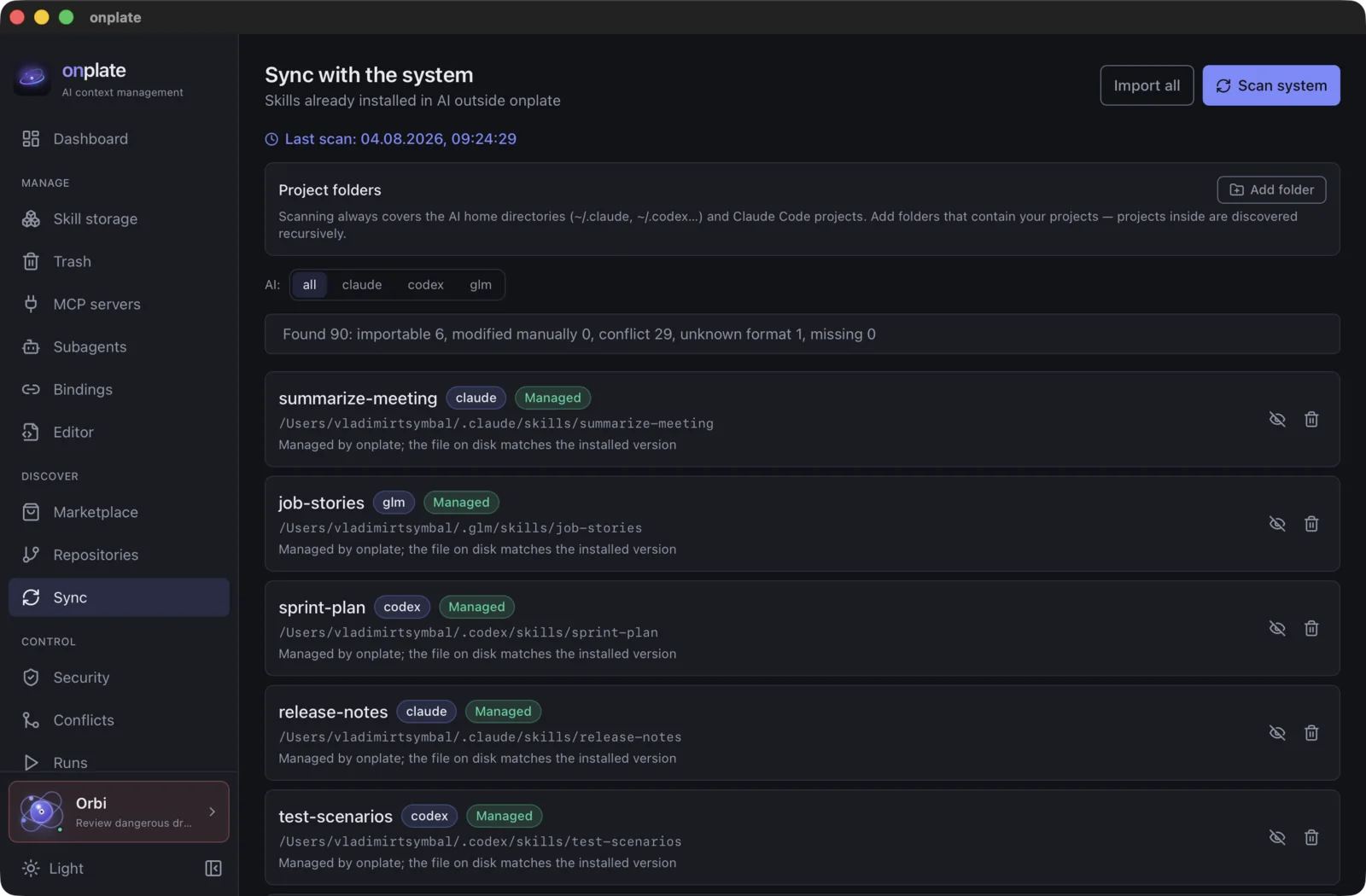
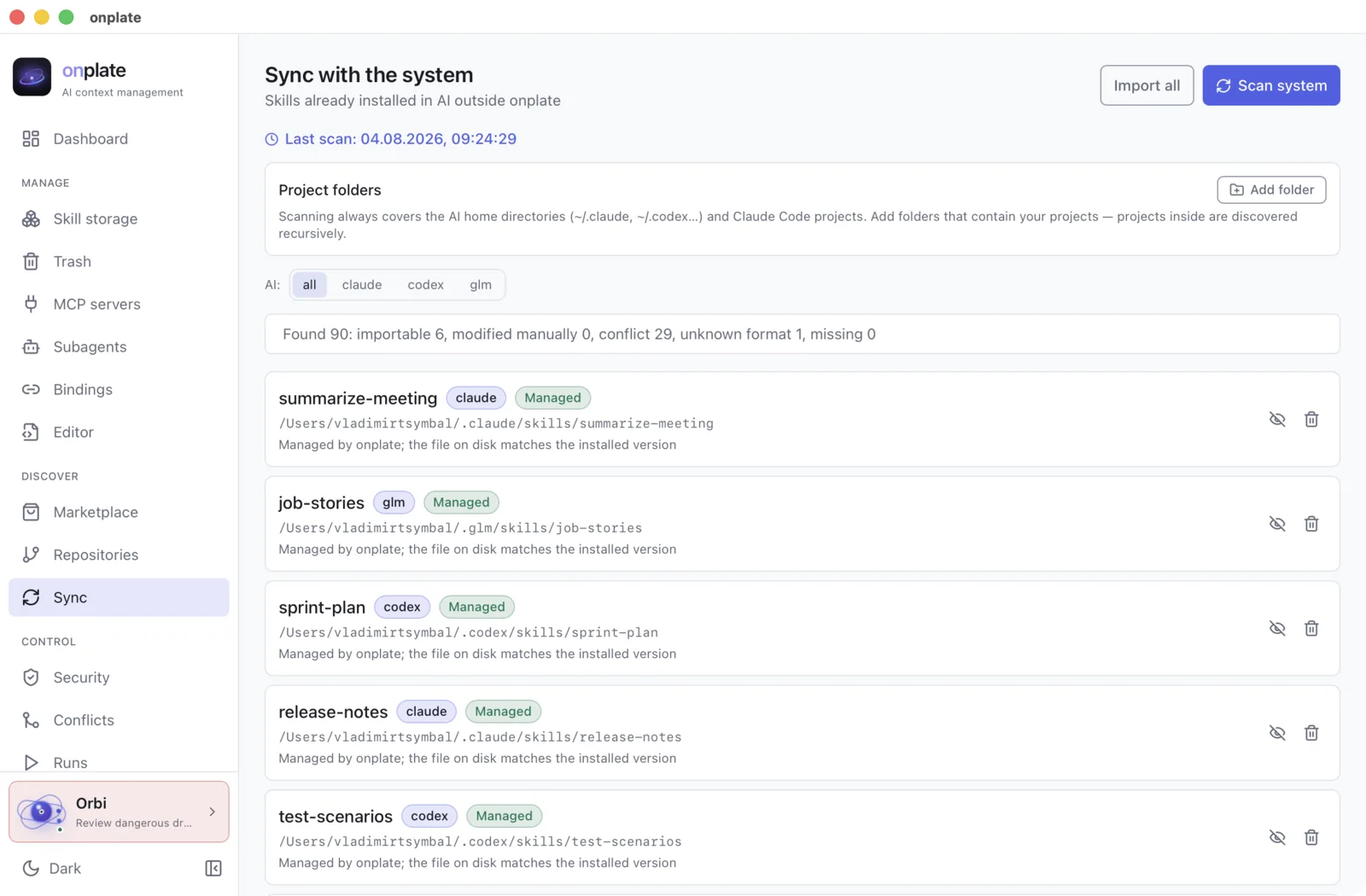
Step 1. Show onplate what you already have
Open “Sync” and press “Scan system”. onplate finds the local settings and shows what can be imported, where there is a conflict and what is already managed. Press “Import all” to keep track of them from the app.
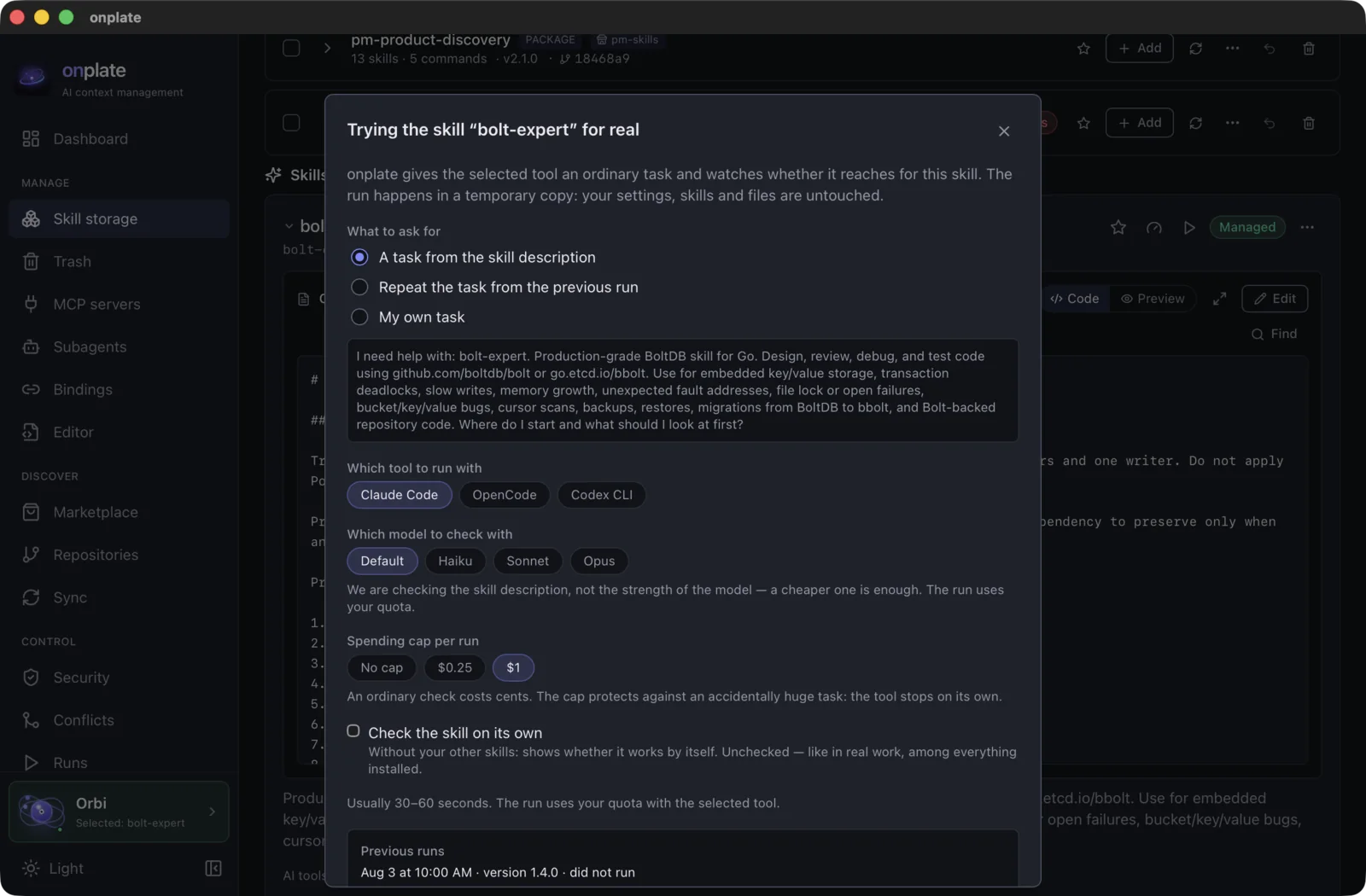
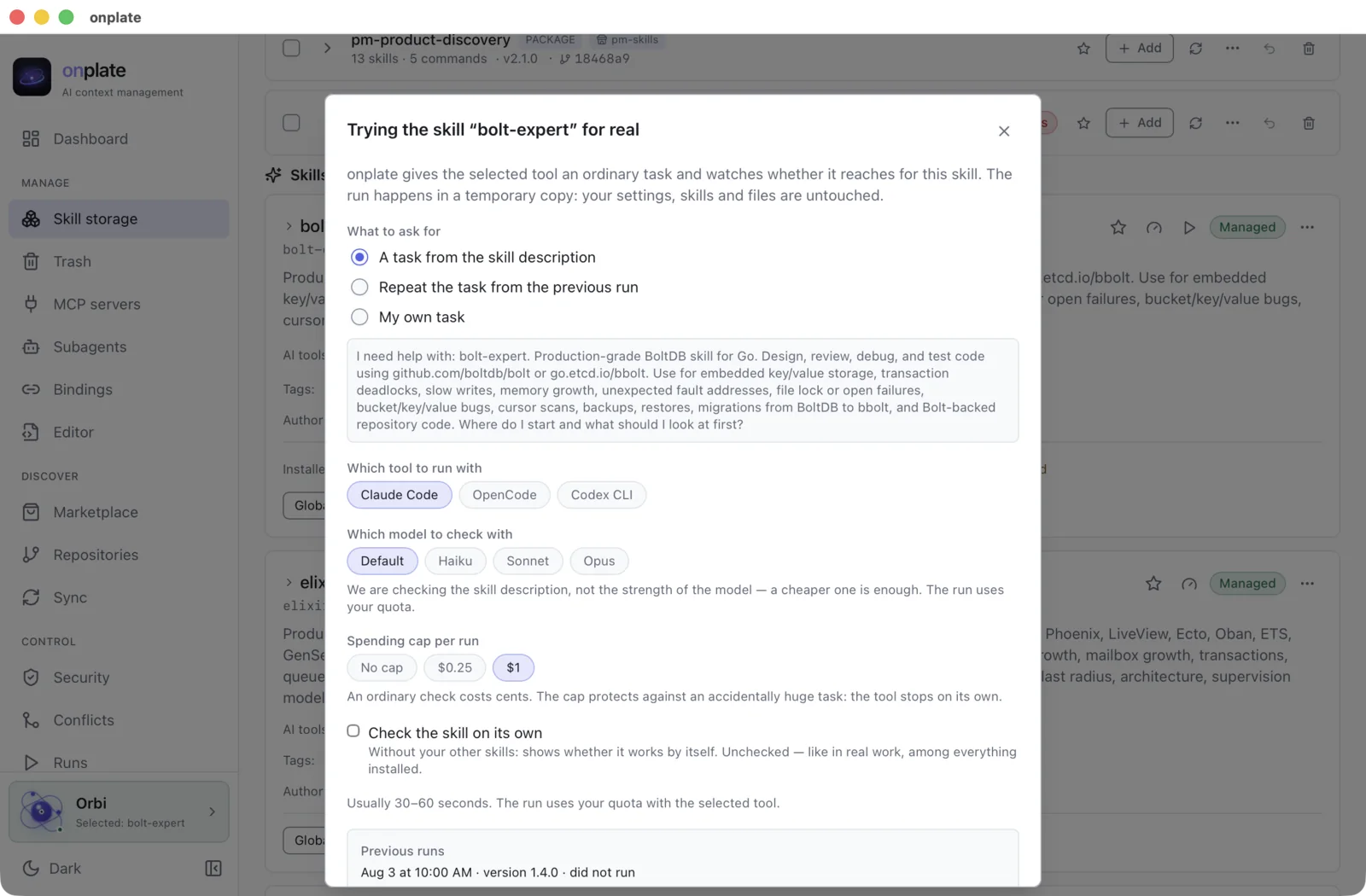
Step 2. Check a skill when you need to
Press “Try for real”: onplate runs an ordinary task in a temporary copy and uses the session log to show whether the AI reached for the skill and what the run cost. The run uses your AI tool and may consume its quota. Your working setup stays unchanged.
Step 3. Compare with the last check
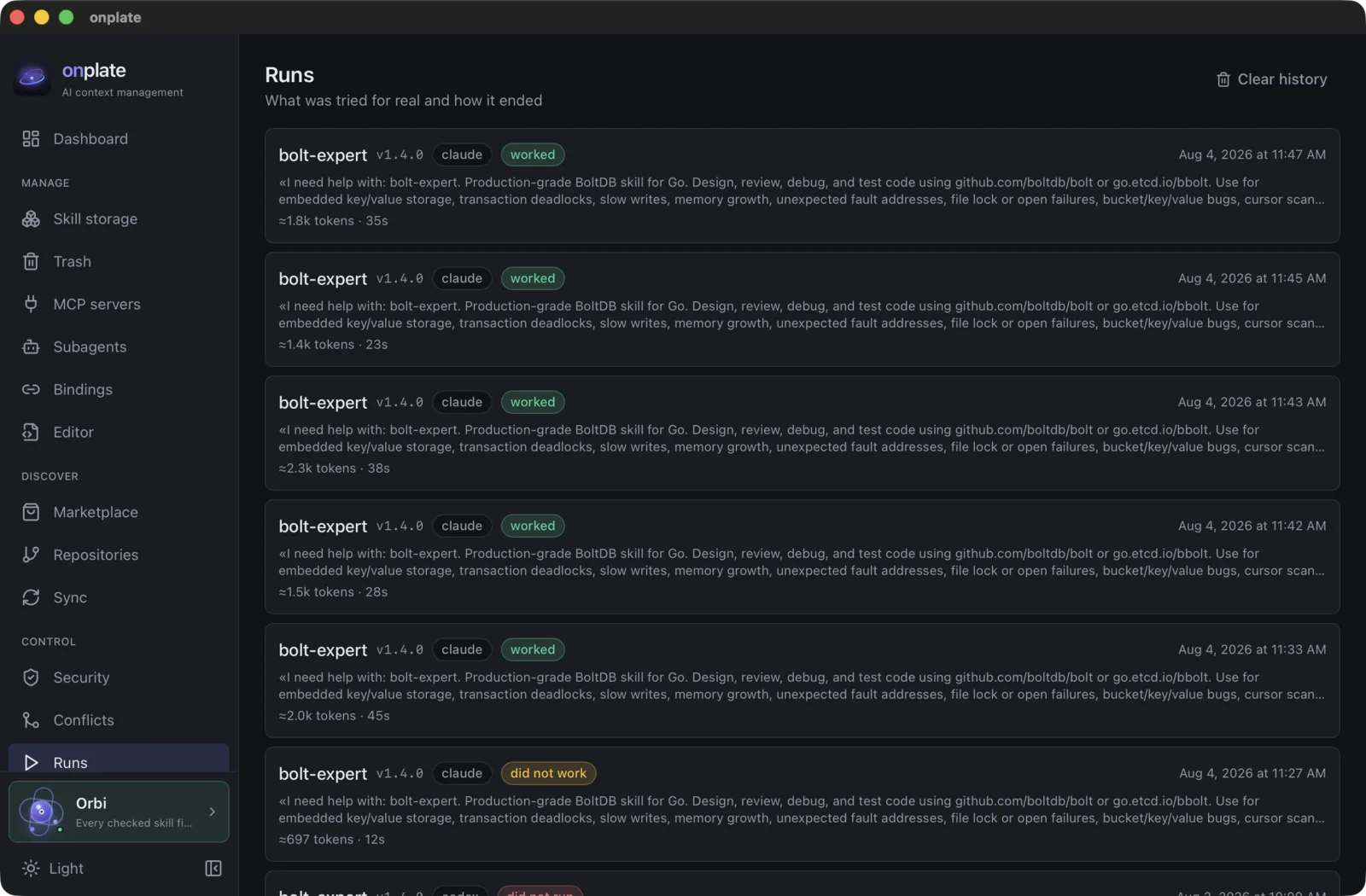
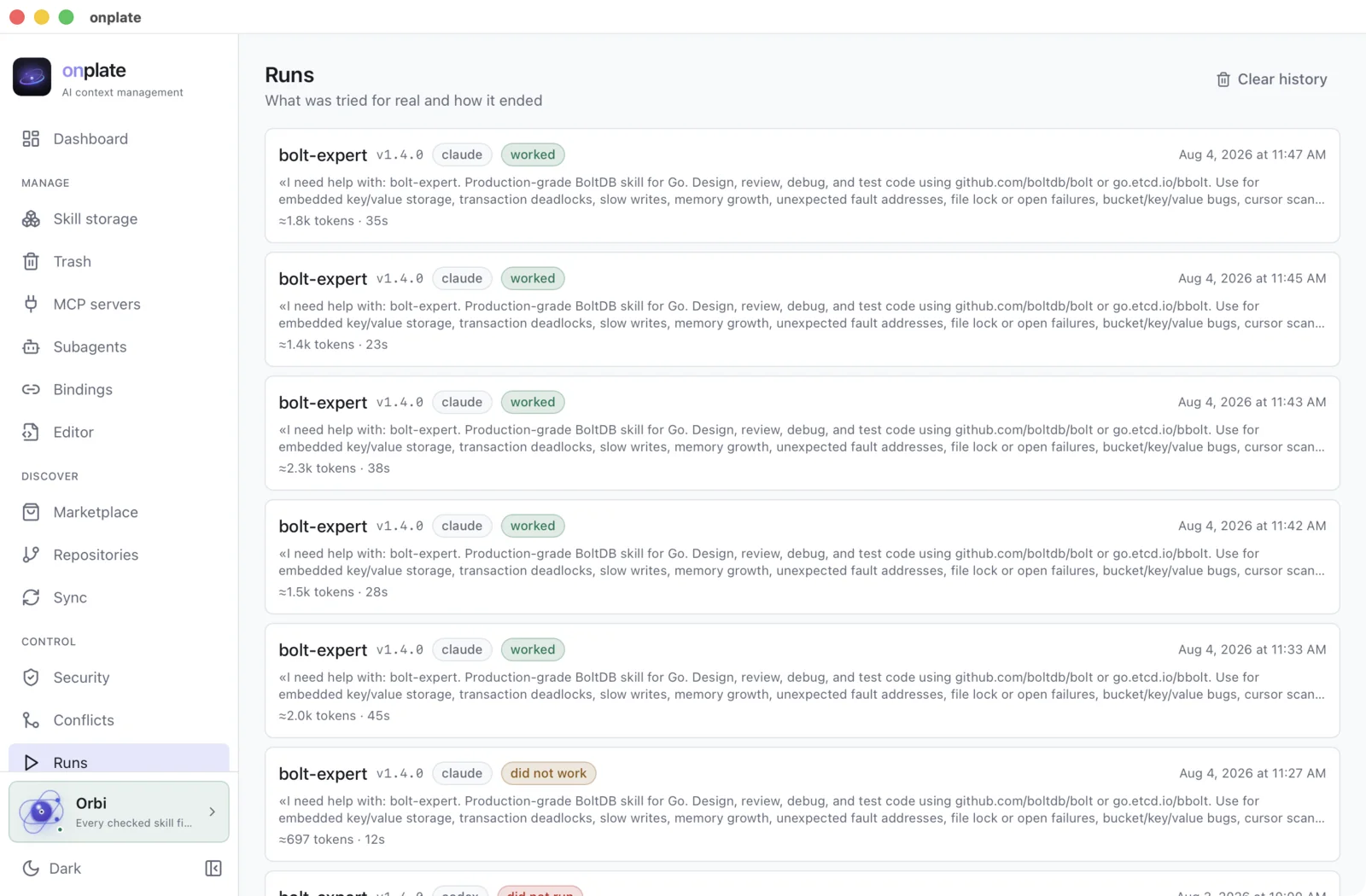
“Runs” keeps the task, version and result. Repeat the same check after an update to see whether the skill stopped triggering. One failed repeat is not automatically a regression because AI responses can vary.
Need the details?
Every part of the app has its own documentation page: step by step, with all the buttons and hints.
Frequently asked questions
Does my data go to the cloud?
Scanning configs, estimating context and parsing logs all happen locally. The network is used for the Git sources you choose, marketplaces, updates and remote resources. Nothing is uploaded to an onplate cloud. If you start “Try for real”, its request and response go through the selected AI provider under that provider’s terms.
Which AI tools does this work with?
Claude Code, Codex CLI, Cursor, GLM and OpenCode. One portable skill installs into all the tools you select at once; commands and MCP servers go wherever there is a suitable place for them.
How is onplate different from Claude Code and Codex CLI plugins?
A built-in plugin manages extensions for one AI. onplate shows settings from all supported AI tools together, checks usage and risk, keeps versions and helps move settings. You can use both at the same time.
Do I need to install anything else?
Not for scanning and management. To use “Try for real”, the selected AI command-line tool must already be installed and its access configured. Such a run may consume the AI provider quota or balance.
Which platforms are supported?
There are builds for macOS (Apple Silicon), Linux (x86_64) and Windows (installer and portable archive).
What does it cost?
onplate is free. Scanning and settings management require no payment. “Try for real” uses the selected AI and may consume that provider’s quota or balance.
ready to scan
Put your local AI settings in order
One scan shows unused, outdated and risky settings. Everything runs on your computer, with no onplate account.
macOS · Linux · Windows
First step after installing: open “Sync” and press “Scan system”. Show me the steps